01
Up and running
Install and sign in; the home screen is where you connect.
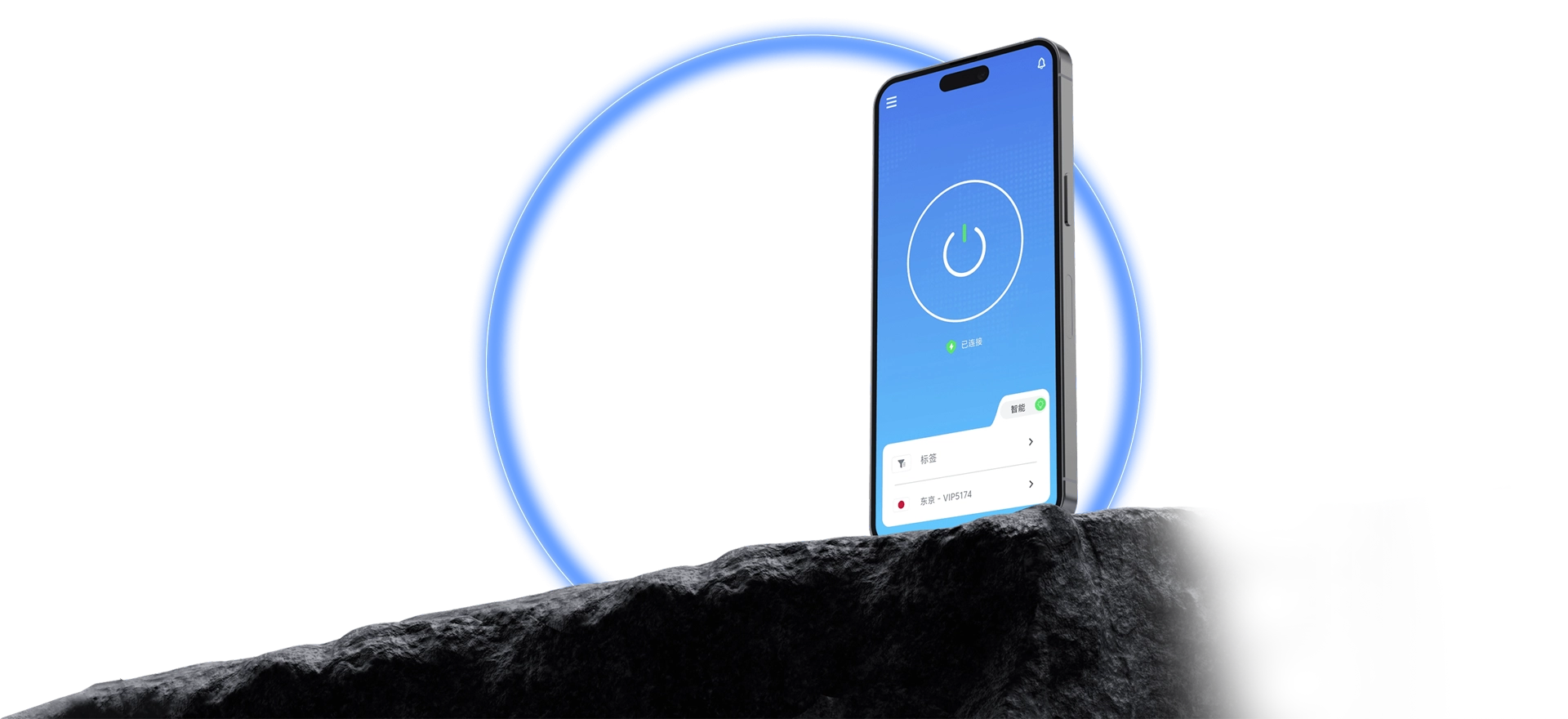
Lower latency across the globe for streaming, gaming, AI tools, and browsing.
There is a QuickQ client for each of Windows, macOS, iOS, Android, and Linux. Sign in, select a route from the home screen, and connect; status refreshes in real time and one account works across devices.
Short paths mean first-time users connect on the first try.

Install and sign in; the home screen is where you connect.
Every available route is visible, and switching takes seconds.
Live status means no repeated checking.
Move between devices without learning a new interface.
Data use and protection are explained on their own page.
Tutorials and FAQs follow the whole path from install to connection.
Download the client and follow the tutorial to set up QuickQ.